Kishore
213
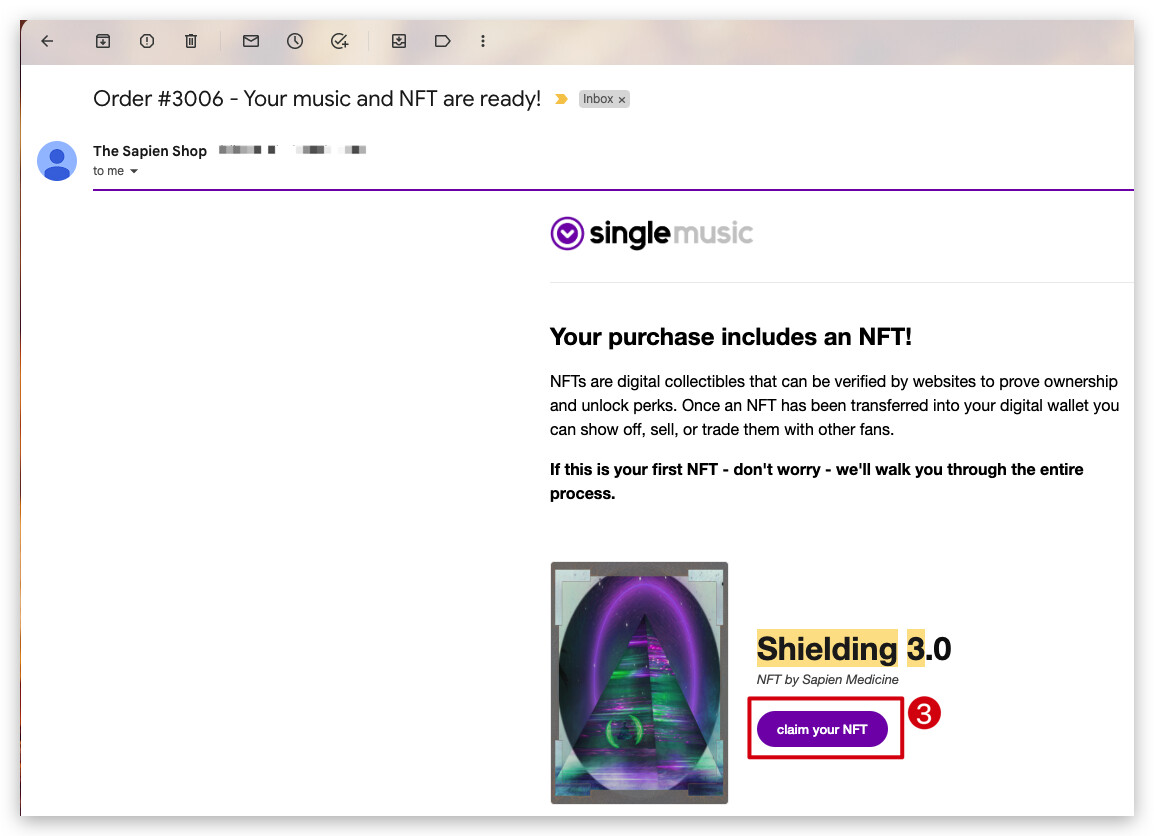
- Search for “Shielding 3.0” in your email Inbox. You would have received 2 emails,
- One email would read “Order #xxxx confirmed” and
- The other email would read “Order #xxxx - Your music and NFT are ready!”
- Now open the second email which reads “Order #xxxx - Your music and NFT are ready!” and click on “claim your NFT”.
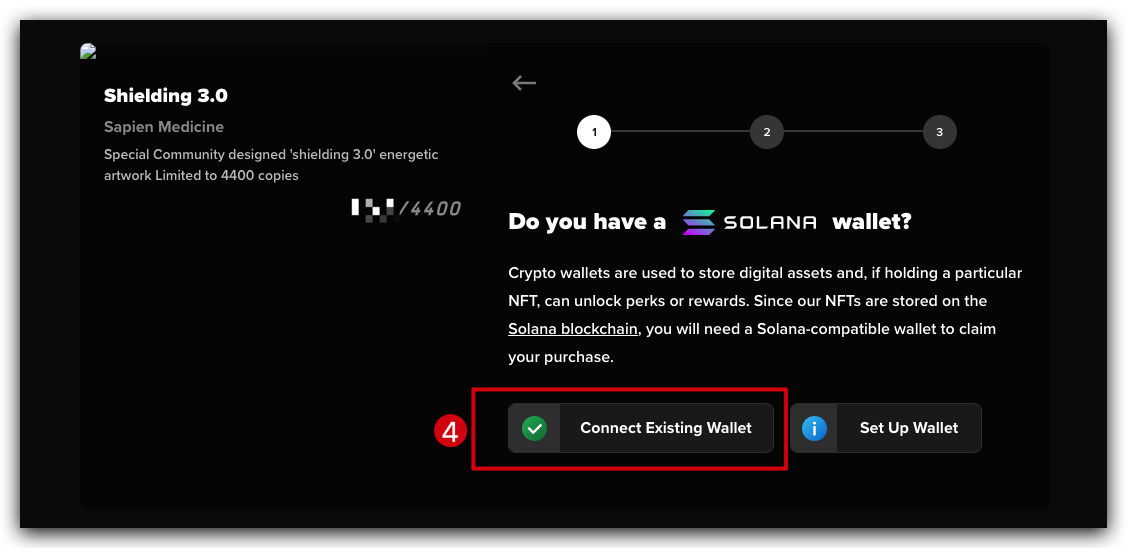
- If you are not connected to your wallet, you will be asked to connect to the wallet.
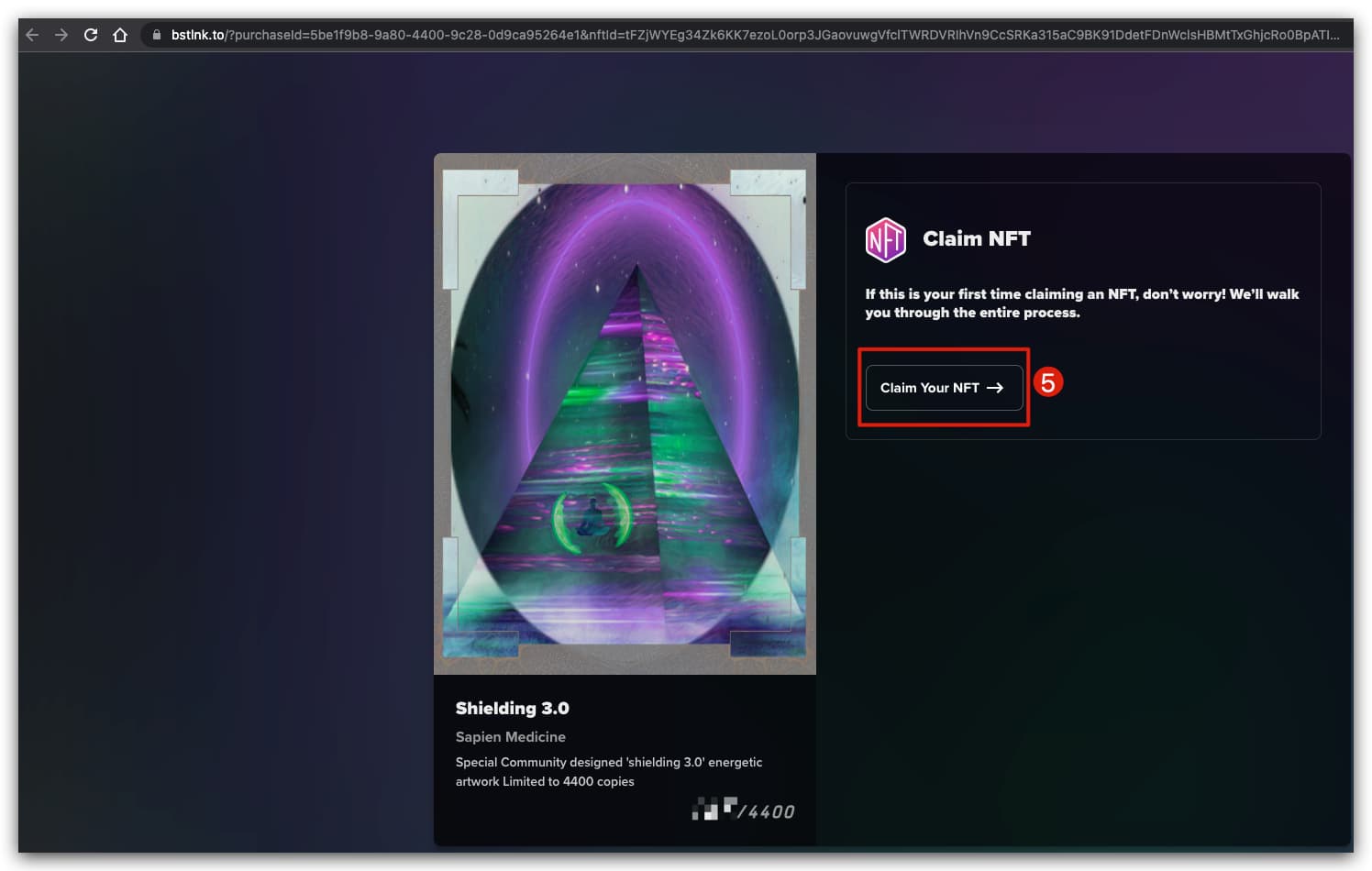
- Once you connected to wallet, click on “Claim NFT”
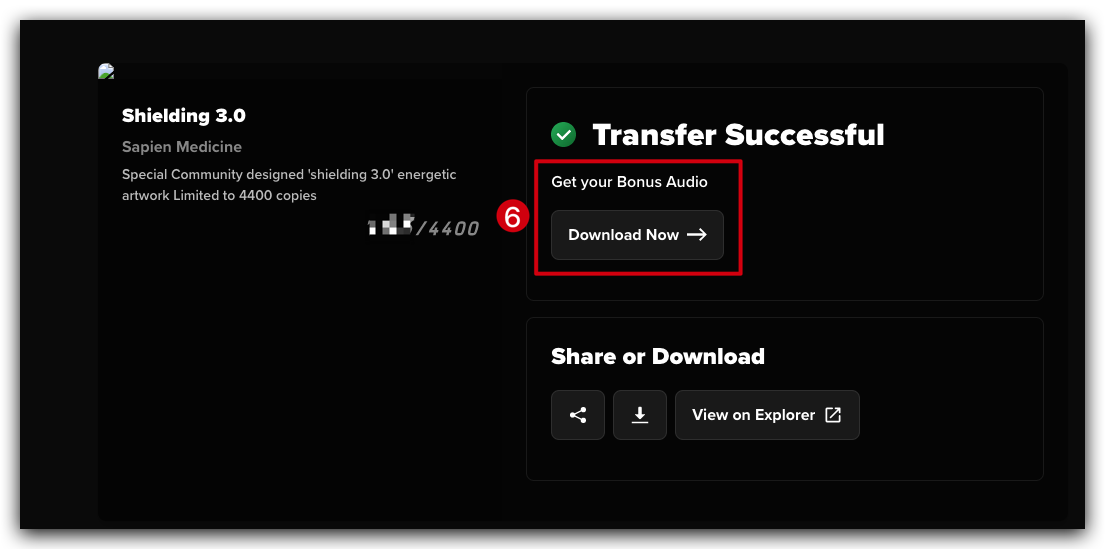
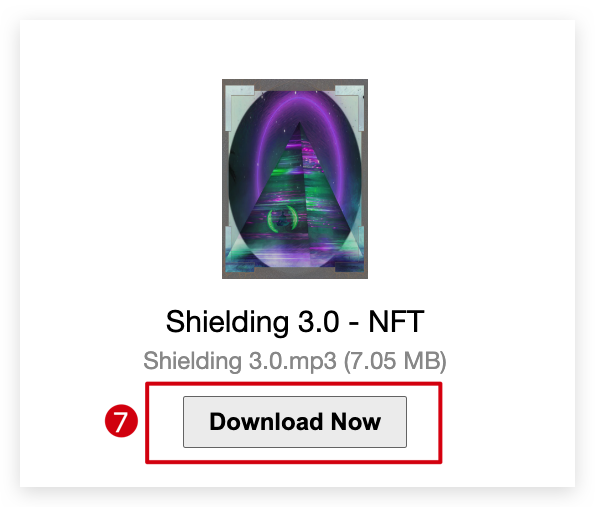
- Now click on the “Download Now” under “Get your Bonus Audio”
- You will be taken to the download page, here you can download the Audio!
31 Likes