I think it’s a very logical thing to do, lots of ppl are experiencing it. The more ppl contact them, the more pressure to resolve it.
4 Likes
i was able to get in contact with a phantom bot but it asks me my mail address so i can answer some questions but it’s clearly stated that Phantom Support will NEVER DM you or ask for your Secret Recovery Phrase!
3 Likes
Well, Ig I’d try it anyways, just nothing too long.
3 Likes
I have phantom wallet on IOS, checked through hidden activity and phantom deems the transaction to be spam
3 Likes
I’ve spoke to the bot wasn’t very helpful but it said I should receive email from a human soon.
2 Likes
Someone’s helping me outside the forum and the eternal NFT does show up on solflare when imported my wallet
1 Like
As in you moved Eternal to this other wallet ?
2 Likes
no it shows up in solflare but not in phantom
don’t know the reason why
2 Likes
Well hopefully it will just automatically go back in then
2 Likes
it may be reported as super spam so unlikely it will show up again but on solflare it will
2 Likes
I have already written to an employee by email. His last email was “Please check if it’s displaying in a few minutes”. But I had to write him back this morning to say that I can’t see any changes in my wallet. Let’s wait and see
2 Likes
What does that mean ? Like it may not show back up in Phantom again?
2 Likes
it may be due different individual safety protocols according my friend
2 Likes
click on this link and see from there if you feel comfortable with it
2 Likes
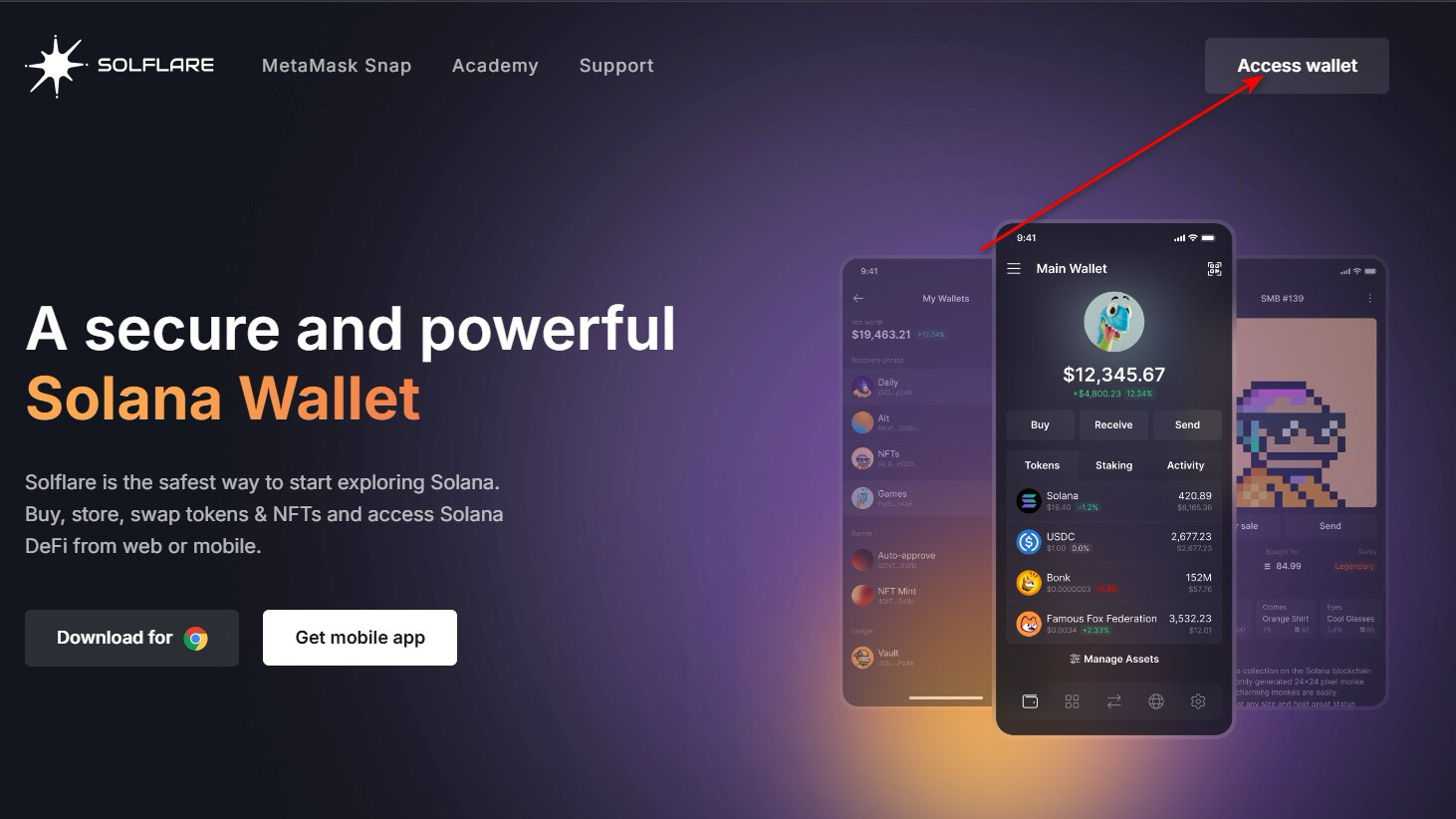
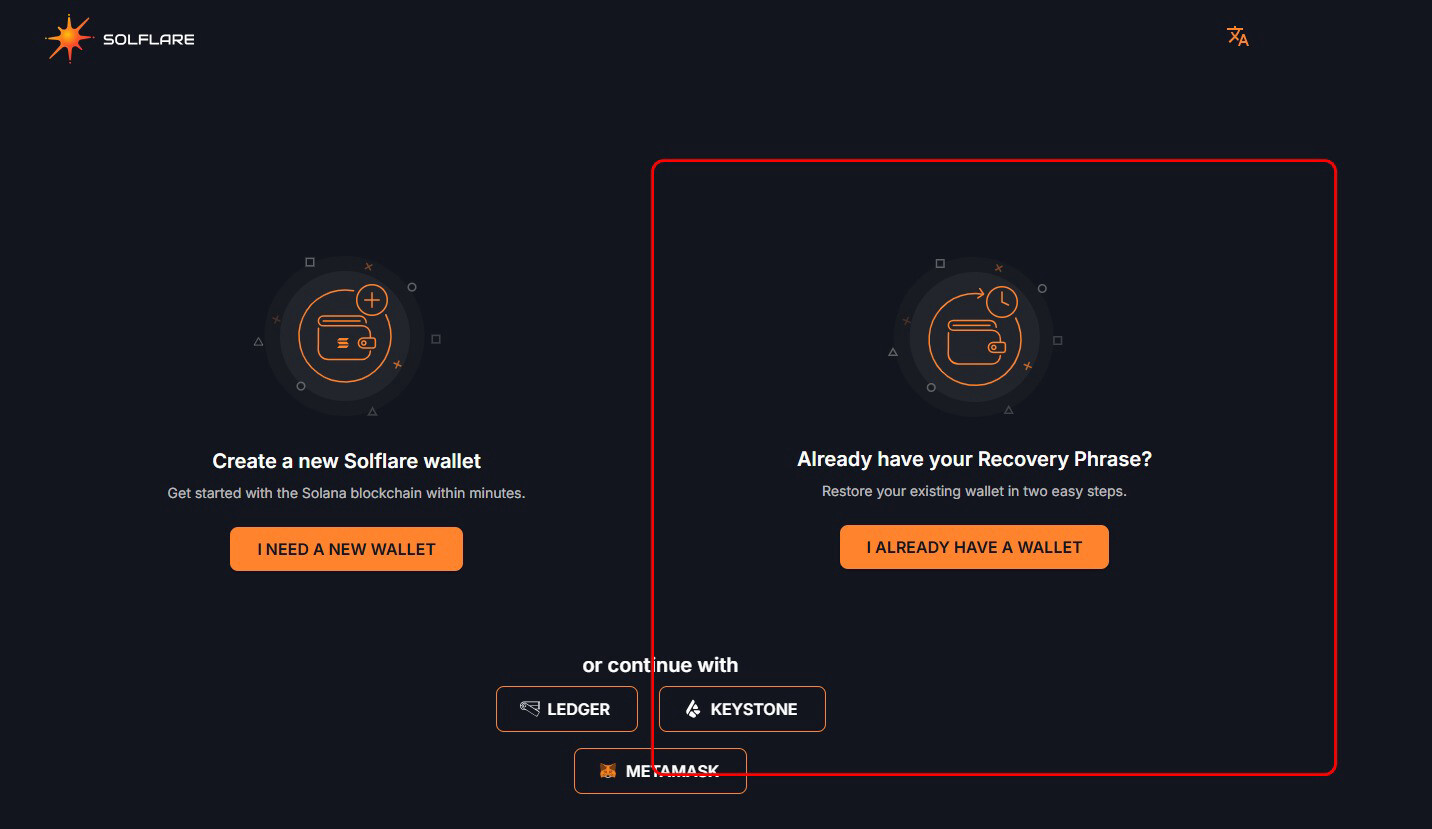
Could be a slight issue that I’m not sure where my recovery stuff is 
2 Likes
that’s not a small issue but hey 
3 Likes
To be fair I’ve got the NFT’s that I could use for life I’ve done it in that way on purpose as they always connected to me. So if I loose the wallet I’m fine with that.
3 Likes
did you also have to give your mail address + name? and is that ok?
and also this 
Provide your Phantom wallet address (To view it: Select “Receive” in your wallet)
2 Likes
Also on Solscan there’s a portfolio tab with NFTs, it’s bugged a bit and shows NFTs not owned by your account sometimes, but it should have everything.
Problem is that Phantom marked transaction from someone who sent the NFT as Spam, you likely can find it in hidden transactions in your app.
But there’s no way to unmark transactions.
You can pass any email I guess? As they don’t ask for anything “official”.
2 Likes